Last updated: November 19, 2026
Quick Answer: 3 runs. Test the calculator with your best estimate, a small payment buffer, and a small timing shift before you trust the payoff date.
A debt payoff calculator can be wildly off if the assumptions are sloppy.
Stress test the inputs before you trust the result.
This guide on how to stress test a debt payoff calculator before you trust the result shows how to check the payment schedule, interest rate, balance, rounding rules, and time horizon sensitivity.
If you want the broader context, this sits inside the guide to debt payoff calculators and estimate accuracy. This is information, not financial advice, and a qualified adviser should be consulted for your own situation.
What this check is for, and who should use it
Stress testing a debt payoff calculator means changing the inputs on purpose to see how fragile the payoff date is. It applies if you already have a balance, a listed interest rate, and a monthly payment in hand, and you want to know whether the result still holds when one detail is a little different.
Picture this: you’ve typed your numbers into a calculator and the payoff date looks neat, maybe even hopeful. The problem is not the math — it’s the inputs. A 30-day billing cycle, a daily interest method, or a rounding rule can move the date enough to matter.
Use this method if you can read a statement and find the minimum payment, APR, current balance, and due date. Skip the do-it-yourself approach if the debt has variable terms you can’t pin down, if payments change every month, or if the account has fees you can’t model. Those are not small details. They can break the estimate.
Here’s the catch: the point is not to get a perfect answer. The point is to learn whether the result is stable, shaky, or plain misleading.
What you need before you start
- The current balance from the latest statement
- The stated interest rate or APR
- The payment amount you plan to use
- The billing cycle length, if the statement shows it
- Any fee or penalty that gets added to the balance
A calculator that asks for less than that can still be useful, but it may be hiding assumptions. That does not make it useless. It just means you need to inspect it harder.
How do you stress test a debt payoff calculator?
You stress test it by running the same debt through several versions of the assumptions and comparing the payoff date, total interest, and monthly schedule. The goal is to see how much the answer moves when one input changes by a small, realistic amount.
Picture this: you open the calculator, enter your debt once, then copy the result into a notes app or a sheet. Do not trust the first run. Run at least three versions: one with your best estimate, one with a cautious buffer, and one with a harder case.
- Enter the exact current balance. Use the statement balance, not the amount you remember from last month. Verify the balance matches the latest statement date. If the calculator wants a rounded balance and your statement shows cents, check whether it keeps cents or drops them. A problem shows up when a 2-decimal balance becomes a whole dollar and the payoff date shifts.
- Use the stated interest rate, not a guess. Put in the APR or the periodic rate if the tool asks for that specifically. Verify whether the calculator uses annual interest divided by 12, daily interest, or another method. A problem shows up when the tool accepts one rate format but quietly computes with another.
- Test a payment buffer. Add a small buffer to the planned monthly payment, then rerun the schedule. Verify whether the payoff date changes in a smooth way or jumps by several months from a tiny increase. A problem shows up when a modest buffer barely changes the result, which can mean the calculator is rounding too aggressively or ignoring payment timing.
- Test the opposite direction. Lower the payment by a realistic amount, then rerun. Verify whether the schedule still makes sense if one month is tight. A problem shows up when the debt still clears at nearly the same time even though the payment dropped, because the calculator may be smoothing over interest or fees.
- Change the rounding rule. If the tool shows monthly payments to the nearest dollar, compare that with a cents-based version if possible. Verify whether the final payment is adjusted for the last month or forced to match every prior month. A problem shows up when the last payment is impossible because the tool never recalculates the final balance.
- Shift the start date by one billing cycle. Move the first payment date by 15 to 30 days, or to the next statement date if the tool allows it. Verify whether the payoff date moves by about the same amount or much more. A problem shows up when the answer changes sharply from a small timing shift, which means time horizon sensitivity is high.
- Compare best-case and worst-case scenarios. Best case: no extra fees, on-time payment, full amount posted quickly. Worst case: a missed or late payment, added fee, or interest charged for a longer cycle. Verify whether the calculator lets you model both. A problem shows up when the payoff date is identical across both cases; that can mean the tool is too simple for the debt you have.
- Check the payment schedule line by line. Look at the first 3 to 6 months and the final month. Verify that the interest portion falls as the balance falls, and that principal rises over time. A problem shows up when the schedule is flat, because that usually means the calculator is not actually amortizing the debt.
A good stress test does not need fancy software. A plain spreadsheet and a statement are enough. The key is to change one assumption at a time so you can see which input is doing the damage.
Which assumptions matter most?
The biggest swings usually come from the interest rate, the balance, the payment amount, and how the calculator handles time. Those are the four dials that can turn a clean-looking payoff estimate into a false comfort.
Picture this: you have two calculators, and both say the debt is gone in about the same time. That still does not mean they agree. One may use a monthly rate, another may use daily interest, and a third may round the balance at each step.
Use this checklist when comparing tools:
- Interest rate method: APR, monthly rate, or daily rate
- Balance source: current statement, posted balance, or estimated balance
- Payment timing: beginning of month, end of month, or exact due date
- Rounding rule: cents kept, cents dropped, or payment rounded up
- Fee handling: ignored, included, or added only in the last month
Rounding matters more than most people expect. A calculator that rounds interest every month can understate the balance over a long horizon. A tool that rounds only at the end can look cleaner but still miss how the account actually grows.
On the flip side, a calculator that exposes every assumption is easier to trust, even if the result is less tidy. Messy honesty beats a neat lie.
What a trustworthy result usually looks like
- The payoff date moves a little when you change the payment by a small amount
- The last payment is smaller or larger than the regular payment, not magically identical
- Interest charged early in the schedule is higher than interest charged later
- A one-cycle date shift changes the answer modestly, not dramatically
If the result fails all four checks, treat it as a rough sketch, not a plan. For more on the mechanics of debt estimates, see the Consumer Financial Protection Bureau’s consumer guidance at https://www.consumerfinance.gov/ and the SEC’s investor education resources at https://www.investor.gov/.
What should I check before I believe the payoff date?
You should check whether the payoff date survives a small shock to each input. That means testing the estimate against a slightly higher balance, a slightly lower payment, and a different start date before you accept it as useful.
Picture this: you’ve got a payoff date in front of you and it feels precise. Precision is not accuracy. A date can look exact down to the day and still be built on a fragile assumption about how interest posts.
Start with the balance. If the calculator uses $5,000 and your statement says $5,048.73, rerun it with the real number. Then change the interest rate by a small amount if the debt is variable, or by a realistic fee effect if the account adds charges. If the payoff date moves fast, the estimate is sensitive.
Then look at the schedule horizon. Some calculators only show 12 months. That is not enough for long payoff periods. If the debt runs longer than the display, the later months may be extrapolated or hidden. That is a warning sign, not a feature.
Use a simple rule: if a 1-month shift in timing or a small payment buffer changes the payoff date by more than you expected, treat the result as a range rather than a promise. If you are unsure whether the change is meaningful, consult a qualified financial professional and compare the result with the statement terms. Range thinking is better here than a single date.
A useful result has a narrow range. A shaky one jumps around.
When should you stop trusting the calculator?
You should stop relying on the calculator when the debt terms are too messy for the tool to model cleanly. That does not mean the tool is bad; it means the situation is outside the model.
Picture this: you keep tweaking the inputs, but the answers never settle down. That is your warning sign. The calculator is telling you that the estimate is too sensitive to use as a plan.
Variable fees you cannot model: late charges, penalty APRs, or service fees can change the balance in ways the calculator may ignore — use the statement method or get the fee schedule first.
Multiple interest methods on one account: some debts use daily interest plus fee posting rules, which makes a simple monthly calculator weak — look for a tool that shows the formula or switch to a spreadsheet.
Interest rate changes during the payoff period: a promo rate ending in 6 months can wreck a single-rate estimate — split the timeline into two runs, one for each rate period.
Payments that vary month to month: freelance income, seasonal work, or irregular lump sums make a fixed-payment schedule misleading — model each payment separately or use a more flexible tracker.
Rounded-only schedules with no cents: if the calculator strips cents from both balance and interest, the final month can be off — use a tool that keeps cents until the last payment.
When the tool can’t handle these cases, the right move is not to force it. It’s to use a more detailed schedule, or a spreadsheet with the exact formula for the debt type you have.
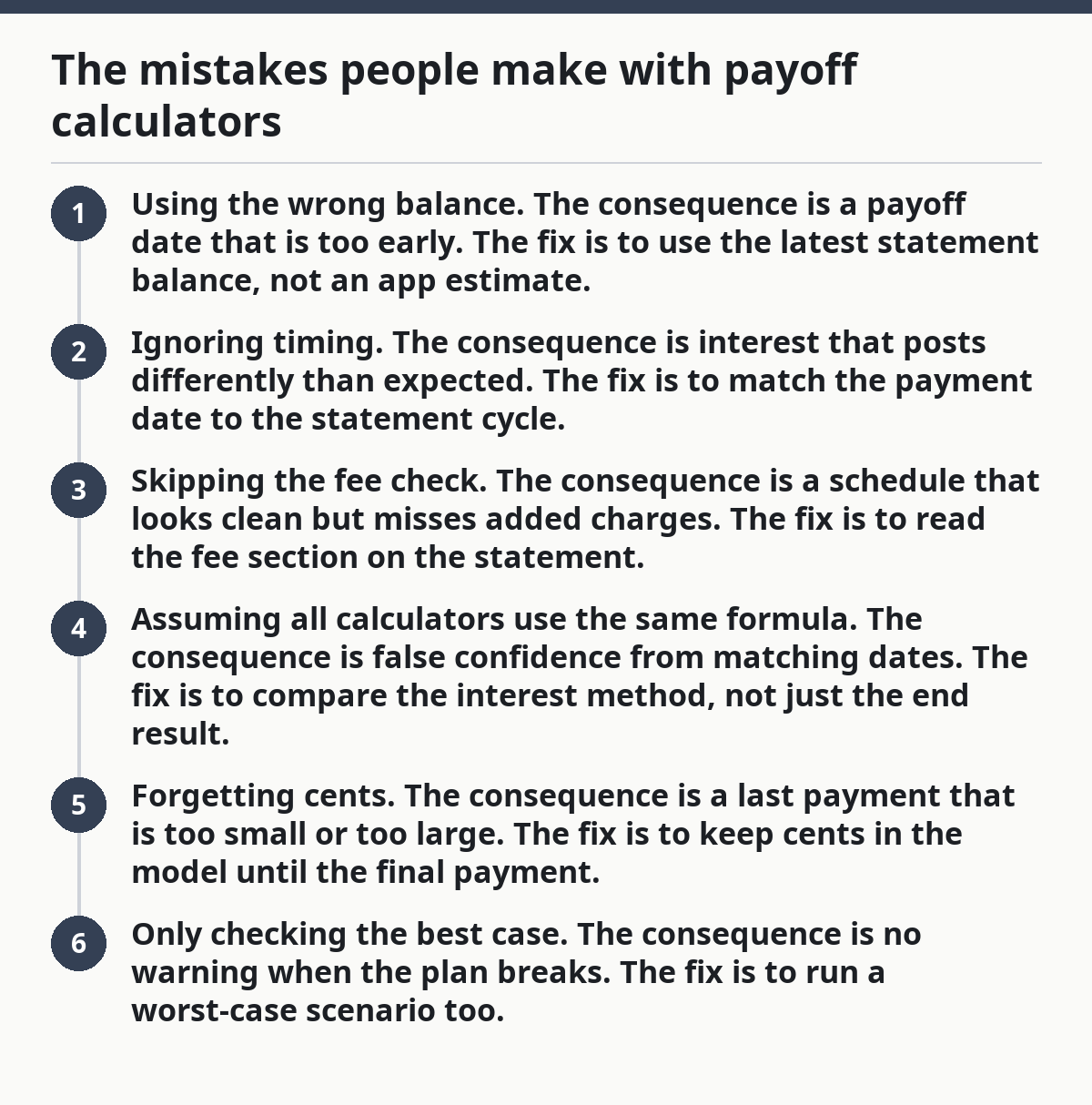
The mistakes people make with payoff calculators
The most common mistake is treating one clean date as a promise. That can lead to bad budgeting, because the real balance may move slower than the calculator says.
Picture this: you copy the result into your head, then stop checking the statement. That is how errors spread. A payoff estimate is only as good as the next month’s balance posting.
- Using the wrong balance. The consequence is a payoff date that is too early. The fix is to use the latest statement balance, not an app estimate.
- Ignoring timing. The consequence is interest that posts differently than expected. The fix is to match the payment date to the statement cycle.
- Skipping the fee check. The consequence is a schedule that looks clean but misses added charges. The fix is to read the fee section on the statement.
- Assuming all calculators use the same formula. The consequence is false confidence from matching dates. The fix is to compare the interest method, not just the end result.
- Forgetting cents. The consequence is a last payment that is too small or too large. The fix is to keep cents in the model until the final payment.
- Only checking the best case. The consequence is no warning when the plan breaks. The fix is to run a worst-case scenario too.
A calculator is a tool, not a referee. If the math looks too neat, it deserves another pass.
What does a good stress test produce?
A good stress test produces a range, not a single point. It tells you what happens if the balance is a little higher, the payment is a little lower, or the first payment lands one cycle later.
Picture this: after three or four runs, you can see the pattern. The payoff date either stays fairly steady or it wobbles hard. That difference matters more than the exact date itself.
A solid result usually has these traits:
- The best-case and worst-case schedules are still believable
- The payment schedule shows normal amortization
- Small assumption changes create small date changes
- The final payment is adjusted, not forced into a fake round number
If the result moves by a month or two from tiny edits, treat the calculator as a rough estimate only. If it barely moves, that is a better sign — though still not proof.
For related detail on estimate accuracy, the hub article on debt payoff calculators and estimate accuracy gives the wider framework. This page is the stress test: the part that checks whether the estimate holds up when the inputs are pushed.
Key Takeaways
- Stress testing means changing one assumption at a time and watching the payoff date move.
- The biggest weak spots are the balance, interest rate, timing, rounding, and fees.
- A good calculator shows a believable payment schedule, not just a neat payoff date.
- If a tiny input change creates a big date jump, the estimate is fragile.
- When the debt terms are variable or messy, a simple calculator may not be the right tool.
How accurate are debt payoff calculators?
Debt payoff calculators can be close if the inputs are complete and the formula matches the debt. They become less reliable when fees, rate changes, timing, or rounding are missing from the model. Treat the result as an estimate, and compare it with the actual statement terms before you rely on it.
What assumptions should I check?
Check the balance, interest rate, payment amount, payment date, rounding rule, and any fees. Those are the main assumptions that move the payoff date. If the calculator hides any of them, the result is easier to misread.
Drafted with AI; not yet reviewed by a person.