
Last updated: November 19, 2026
Key Takeaways
- Debt payoff calculator results show how a balance changes under set payment rules, not real-life outcomes.
- The result usually has three parts: a payoff date, a total interest cost, and a monthly payment plan.
- The payoff date is the end of a math model, not a guarantee about your calendar.
- The interest total is often the most useful number on the page, but it can still leave out costs that never appear in the headline.
On-screen, debt payoff calculator results can look neat and still hide a longer finish date, a larger interest total, or the assumption that your extra payment lands every month. Read the payoff date, interest total, and minimum payment assumption together before you trust the result. Here’s the trade-off: clean math versus real-world mess. The steps below show what each number means, and where the hidden costs usually sit.
What debt payoff calculator results actually tell you

Debt payoff calculator results tell you how a balance changes over time under a set of payment rules, not what your real life will do. When the calculator uses amortization—the schedule of principal and interest over time—it is showing a path based on the payment inputs you gave it, such as a minimum payment, an extra payment, and an assumed interest rate.
So a payoff screen with a date, a total interest figure, and a monthly payment that looks manageable can still mislead you. Fees, missed months, rate changes, or a one-time lump sum that never arrives can all throw it off. This is the gap this article closes.
This is general money information, not financial advice. For debt with variable rates, collection charges, tax issues, or a legal settlement, consult a qualified adviser who can review your own situation.
What do the numbers in a payoff calculator mean?
Usually, the result has three parts: a payoff date, a total interest cost, and a payment plan that shows what happens each month. The payoff date is the month and year the balance should hit zero if the inputs stay fixed. The interest cost is the sum of all interest charges across the schedule. The payment plan shows how much goes to principal and how much gets lost to interest.
“Paid off by June 2029” sounds certain, but it only holds if the rates, balances, and payment timing stay the same. One late payment, one skipped month, or one rate adjustment can change the schedule. That math can wobble like a shopping cart with a bad wheel.
Keep an eye on these fields:
- Starting balance: the amount the calculator begins with.
- Interest rate: the rate used in the math; for variable debt, this may be only a snapshot.
- Minimum payment: the smallest amount the calculator assumes you pay each cycle.
- Extra payment: any amount above the minimum, often applied monthly.
- Payoff date: the projected finish line if the plan stays unchanged.
If the calculator does not show at least the balance, rate, and payment rule, the result is incomplete. And if it shows a payoff date but not the assumptions behind it, treat the date as a rough estimate and consult a professional if the number matters for a major decision.
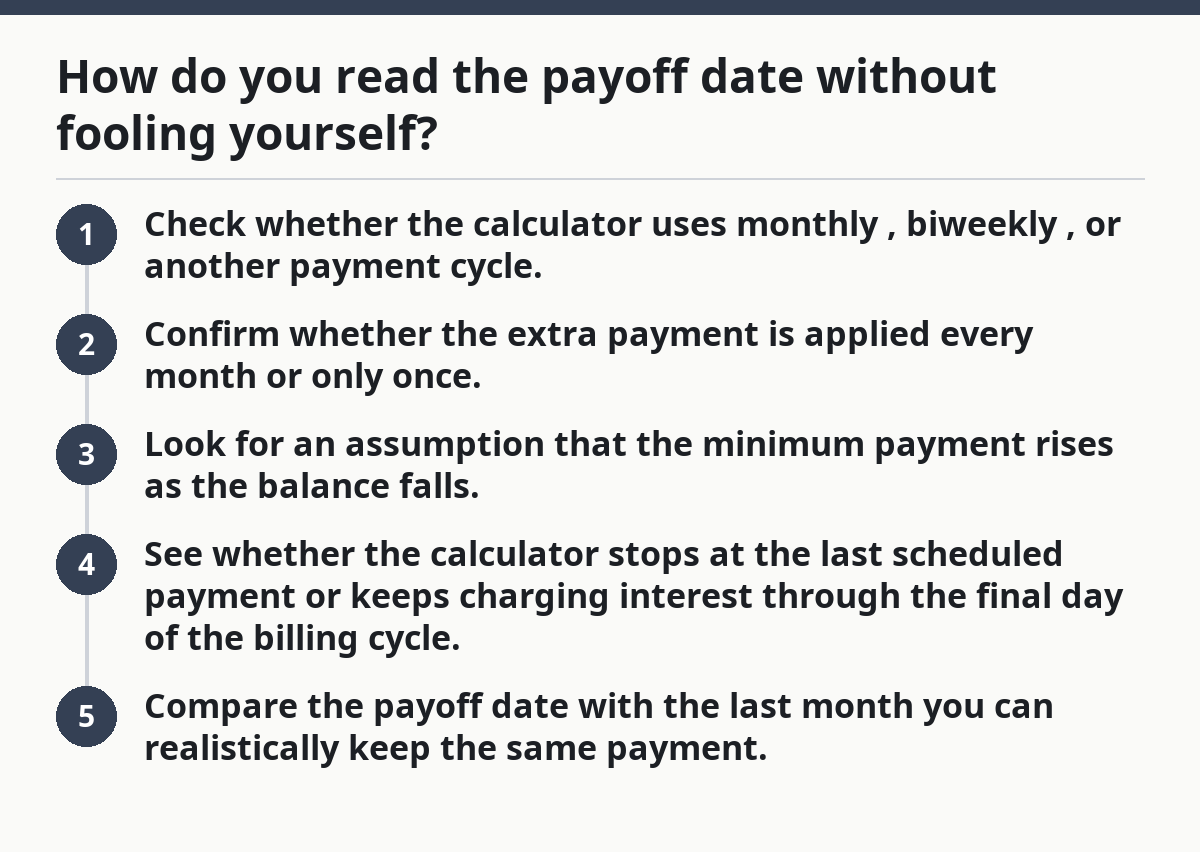
How do you read the payoff date without fooling yourself?

The payoff date is the end of a math model, not a guarantee about your calendar. Use it as a projection, then check the assumptions that made it possible. A debt payoff calculator often assumes the same payment lands on time every month, that the rate stays put, and that no new charges appear.
Two calculators can disagree by months without either one being “wrong.” A few extra dollars, a different minimum-payment rule, or a different way of rounding interest can move the date by months. That sort of spread can be frustrating, but it is normal.
To read the date well:
- Check whether the calculator uses monthly, biweekly, or another payment cycle.
- Confirm whether the extra payment is applied every month or only once.
- Look for an assumption that the minimum payment rises as the balance falls.
- See whether the calculator stops at the last scheduled payment or keeps charging interest through the final day of the billing cycle.
- Compare the payoff date with the last month you can realistically keep the same payment.
If the date depends on a perfect streak you can’t sustain for 2 or 3 years, it is too optimistic. If the date changes by only a month or two after a small input tweak, the plan may be stable. But if it swings by a year, the assumptions are fragile.
What hidden costs do people miss in the interest total?
The interest total is often the most useful number on the page, but it can still hide costs that never show up in the headline. A calculator may count only interest, while your real debt also includes late fees, penalty rates, annual fees, balance transfer fees, cash advance fees, or collection charges.
Because the interest total can look final, it is easy to miss a fee or rate change that appears later. Then the issuer adds a late fee, the card rate steps up, or a promo rate expires after 12 months. The number on the screen no longer matches the bill in your hand.
Look for these gaps:
- Fees outside interest: some calculators leave out late charges and annual fees.
- Rate changes: variable-rate debt may reset after a benchmark moves.
- Intro offers: a 0% or low-rate window may end before the projected payoff date.
- Compounding timing: interest may accrue daily, while the calculator uses a monthly estimate.
- Round-off differences: real statements can round cents differently from the calculator.
A practical check is to compare the calculator’s interest total to the actual statement terms. If the account has a fee schedule or a promotional period, include those numbers separately in your own notes. A calculator that ignores a $35 late fee is not wrong; it is just incomplete.
How does an extra payment change the result?
An extra payment can shorten the payoff timeline and cut interest, but only if the calculator applies it the way your lender does. The same $50 extra payment can have different effects depending on whether it goes toward the current balance every month, starts next month, or arrives as a one-time payment.
For example, you can enter an extra payment and the payoff date may jump forward by several months. Then you notice the calculator assumes that extra payment never stops, even if you know you can only keep it up for 6 months. That version flatters the result.
Use this checklist:
- Confirm whether the extra payment is monthly or one-time.
- Check whether it applies to the highest-rate debt, the smallest balance, or the account you selected.
- Verify whether the calculator recasts the schedule after each extra payment.
- Look at the new interest total, not just the new payoff date.
- Compare the result with and without the extra payment to see the real gain.
If the payoff date barely changes after a meaningful extra payment, one of three things is usually happening: the balance is large, the rate is high, or the payment is being absorbed by interest first. If the date changes a lot, that is useful—but only if the extra payment is realistic for at least the next 6 to 12 months.
How to read debt payoff calculator results step by step
Debt payoff calculator results make sense only if you inspect the inputs in the same order the math uses them. Start with the balance, then the rate, then the minimum payment, then any extra payment, and only then look at the payoff date and total interest. If any of those inputs are off, the output is off too.
Before you trust the projection, compare it with the statements in front of you. You want to know whether the result is trustworthy enough to guide your next payment, and this process checks that, one line at a time.
- Enter the current balance from the latest statement, not from memory. Verify the balance matches the statement to the dollar; a mismatch means the payoff date is already wrong.
- Enter the interest rate exactly as the calculator asks for it. Check whether it wants an APR, a monthly rate, or a decimal; a wrong format makes the schedule meaningless.
- Enter the minimum payment rule from the account terms. Confirm whether it is a fixed dollar amount or a percentage; a fixed estimate on a variable-rule account can distort the result.
- Add any extra payment you can keep up for at least 3 to 6 months. Make sure the amount is realistic; if it depends on a bonus that may never arrive, the payoff date is too hopeful.
- Check whether the calculator applies extra payments every month or only once. Verify the label; a one-time lump sum and a monthly extra are not the same thing.
- Read the payoff date and ask what has to stay unchanged for that date to hold. Verify the assumptions; if the tool ignores fee changes or rate resets, mark the date as approximate.
- Read the total interest cost and compare it with the balance plus payment plan. Check that the number includes only interest if that is all the tool claims; if fees are missing, write them down separately.
- Run a second version with a smaller extra payment, such as $25 instead of $100, or with no extra payment at all. That kind of sensitivity check shows how much the result moves when your payment changes.
If the calculator cannot explain its own assumptions, the result is weak. And if a small input change moves the payoff date by a long stretch, the projection needs a second look before you rely on it.
What should you watch for in calculator results?
A calculator result is only as honest as the assumptions behind it. Watch for a minimum payment that is too low, an extra payment that is too optimistic, and a payoff date that ignores rate changes or fees. Those are the places hidden costs slip in.
If the numbers look neat but one detail keeps nagging you, slow down. Maybe the date is based on a 0% promo that ends in 6 months, or the interest total looks low because the calculator skipped a fee schedule.
Watch for these red flags:
- The payoff date assumes no missed payments for years.
- The interest total leaves out charges listed on the statement.
- The minimum payment is guessed instead of taken from the account terms.
- The extra payment is larger than the amount you can spare after fixed bills.
- The projection uses one rate for debt that can change.
On the flip side, a good result is easy to explain. You can point to the balance, the rate, the minimum payment, the extra payment, and the date, and each part matches a real statement or a real budget number. If you cannot explain one of those pieces, don’t trust the whole projection yet.
For a broader view of planning tools, the hub on Debt payoff calculators and planning tools is the right next stop.
When the standard reading method does not apply
Debt payoff calculator results need extra caution when the debt terms are unusual or unstable. The standard read works best for fixed balances and steady payments; it gets shaky when the account can change on its own. In those cases, the output is a snapshot, not a forecast.
Because some debts behave differently from a plain fixed-rate loan, the same calculator result can mean something narrower than it first appears. Maybe it is a card with a promo rate, a debt with deferred interest, or an account with fees that change the balance outside your control. That changes what the result means.
Use a different lens when you see these situations:
- Variable rate debt: the rate can rise or fall, so the interest total is only a best guess.
- Promotional rate ending soon: the payoff date may cross into a higher-rate period.
- Deferred interest offers: if the balance is not cleared by the deadline, prior interest may hit at once.
- Irregular income: a monthly extra payment may not be stable enough to treat as fixed, so consult a professional if the plan must hold up in a formal repayment setting.
- Debt in collections or legal dispute: extra charges or terms can change outside the calculator.
In these cases, the result still helps, but only as a rough model. If the numbers affect a legal settlement, tax treatment, or a repayment plan with changing terms, consult a qualified adviser before you act.
The mistakes people make with payoff calculators
Most mistakes come from treating the calculator as if it knows the account better than the statement does. It does not. It only knows what you enter, and a small error can push the payoff date or interest total in the wrong direction.
A fast answer can turn into a bad one if you skip a detail. You want the projection to reflect the account, not your memory.
Common errors:
- Using the old balance — the result is off by one billing cycle. Correct it by using the newest statement balance.
- Guessing the minimum payment — the schedule may look too aggressive. Fix it by copying the account’s payment rule.
- Treating a one-time payment as monthly — the payoff date becomes unrealistically short. Correct it by labeling the payment type clearly.
- Ignoring fees — the interest total looks smaller than the real cost. Add them separately.
- Assuming the rate will not change — the estimate breaks on variable or promo debt. Correct it by checking the rate terms on the statement.
- Reading only the date — you miss the cost of carrying the balance. Read the date and the interest total together.
If one mistake changes the result by months, the calculator is still useful; it just needs better inputs. If several mistakes stack up, the answer is no longer a planning tool—it is a guess.
What do the numbers in a payoff calculator mean?
They mean the balance, interest, payment rule, and finish date under the assumptions you entered. The payoff date shows when the balance should hit zero, while the interest total shows the cost of carrying the debt across the schedule. If the calculator leaves out fees or rate changes, the numbers are incomplete and should be treated as estimates.
Why does my payoff date change so much?
Your payoff date changes a lot when the result depends on small differences in payment size, rate, or timing. A $25 extra payment, a different minimum payment rule, or a rate reset can move the date by months. That does not mean the calculator is broken; it means the plan is sensitive to the inputs.
What should I watch for in calculator results?
Watch the assumptions behind the payoff date, the interest total, and the minimum payment. Look for fees, rate changes, and payment rules that do not match the statement.
Drafted with AI; not yet reviewed by a person.