Last updated: November 20, 2026
Model the increase by running a future-payment version of your debt payoff calculator, then testing whether your budget still works with a higher required amount. Use your current minimum payment as the baseline, add a range of possible increases, and check the gap between that new payment and the money you already set aside each month.
Who this is for, and what it assumes
This is for someone using a debt payoff calculator who wants to see what happens if a minimum payment increase scenario shows up before the debt is gone. It assumes you already have a credit card statement, know your current minimum payment, and can read your monthly budget line by line.
This is information, not financial advice. Minimum payment rules, card terms, and budget pressure differ by country and can change, so a qualified adviser should be consulted for your own situation. The method below helps you model the shock, not predict the exact future.
This page is for people who want to stay ahead of payment shocks, not for people trying to compare one card offer against another or estimate hidden fees. The question here is simple: if the required payment rises, will the budget still hold?
A useful source for the basics is the Consumer Financial Protection Bureau’s credit card material, and the FDIC’s Money Smart budgeting resources can help with the budget side.
What should you gather first?
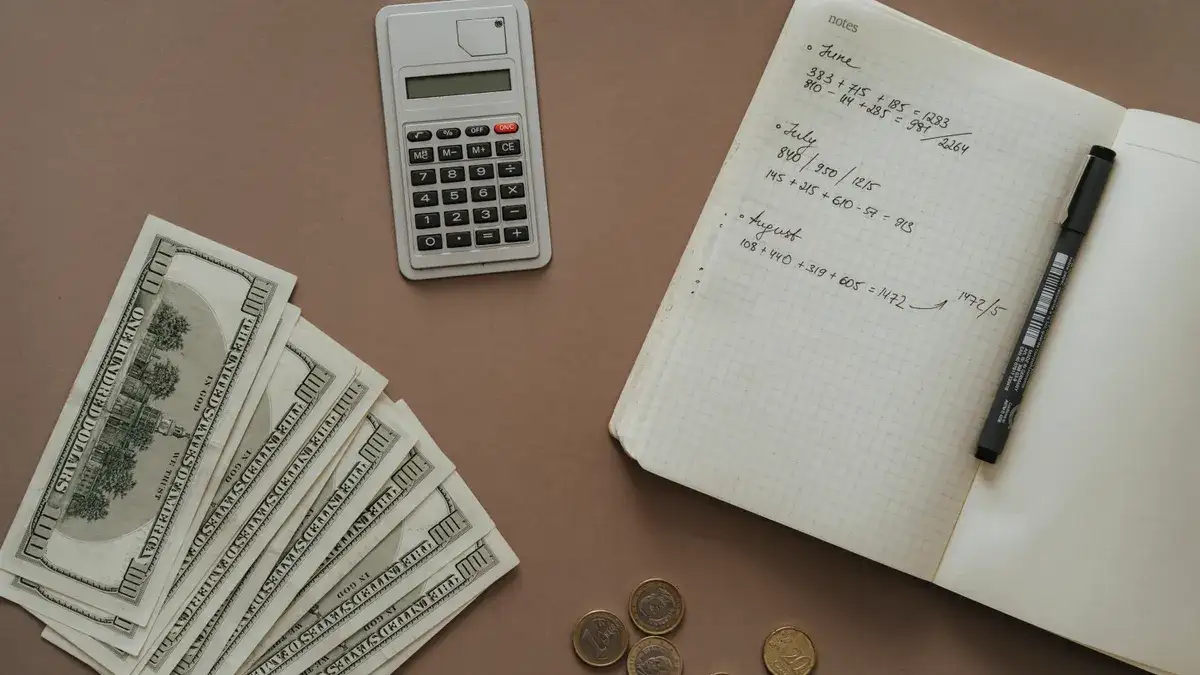
You should gather the current minimum payment, the statement balance, and one month of free cash flow before you change anything in the calculator. Those three numbers tell you how much room you actually have if the required payment rises by 10, 20, or any other amount your card issuer might use.
Use the latest credit card statement, not an old text from your app. The statement shows the current minimum payment, the due date, and the balance the lender is using to set the payment. If a payment is already late or a fee has posted, your current minimum may be stale.
You also need one clean budget number: what is left after required housing, food, transport, and other fixed bills. That leftover amount is the most important number in a stress test. If it is already close to your current minimum payment, even a small increase can create a shortfall.
If you use a debt payoff calculator, write down the assumptions it is making about the payment amount. Some calculators keep the minimum fixed. Others let you model changing required payments. This page is about the second case: a forward-looking scenario, not a current-payment calculation.
How do you model a minimum payment increase?
You model a minimum payment increase by replacing today’s required payment with a higher test amount, then checking whether the budget still covers it over the next 1 to 12 months. The point is not to guess the exact increase; it is to see how much room you have before the budget breaks.
- Open your debt payoff calculator and set the debt to the current credit card balance, then verify the starting balance matches the latest statement; if the balance is older than one billing cycle, the model is already off.
- Enter the current minimum payment from the credit card statement, then verify the calculator treats it as the required monthly amount; if it uses a flat payment you entered months ago, reset it.
- Add a higher payment test amount by increasing the minimum in small steps, such as a modest step, a medium step, and a larger step; verify each step is clearly labeled so you can compare them later, and stop if the labels are getting mixed together.
- Run the calculator for 3 separate scenarios and keep the rest of the inputs unchanged; verify that only the minimum payment changes, because changing balance, interest, and payment at the same time hides the effect of the increase.
- Check the monthly budget gap by comparing the new required payment with the money left after fixed expenses; verify whether the gap is positive, zero, or negative, and if the gap is negative, the budget cannot absorb the increase as written.
- Measure the shortfall in dollars by subtracting your budgeted payment from the new required payment; verify the shortfall is small enough to cover with a cut elsewhere, or note that the budget needs a bigger change.
- Review the payoff timing impact by seeing whether the higher required payment changes the month the debt ends; verify the calculator is not assuming the same payoff date after the payment rises, because that is a sign the scenario did not actually update.
- Record the worst-case monthly payment in a note or spreadsheet for 6 to 12 months ahead; verify the number is still realistic if other bills rise at the same time, and treat any gap as a warning instead of a surprise.
The cleanest way to think about this is as a budget stress test. A stress test is just a scenario check that asks, “What happens if this required payment is higher than expected?” It is not a forecast. It is a margin check.
A good result is not “the card never changes.” A good result is “the budget still covers the payment after a plausible increase, with some room left.” If the budget only works when the minimum payment stays fixed forever, the model is too fragile.
What range should you test?

You should test a range wide enough to catch a payment shock, but not so wide that the model becomes nonsense. A practical range uses your current minimum payment as the baseline and then checks a small increase, a moderate increase, and a larger one that would still be believable under your card’s rules.
The exact range depends on your country, issuer, and card terms, so do not treat one percentage as universal. Some lenders use a fixed formula tied to the balance, interest, fees, or a floor amount. Others change the required payment as the balance falls. That is why the point is to test ranges, not one magic number.
| Scenario | What you change | What you learn | What can go wrong |
|---|---|---|---|
| Small increase | Raise the minimum a little | Whether the budget has a cushion | A tiny cushion can vanish once another bill rises |
| Moderate increase | Raise it enough to feel real | Whether the plan still works without cuts | The budget may pass on paper but fail in a tight month |
| Larger increase | Stress the plan hard | Whether the debt plan is too fragile | This can overstate risk if the increase is unrealistic |
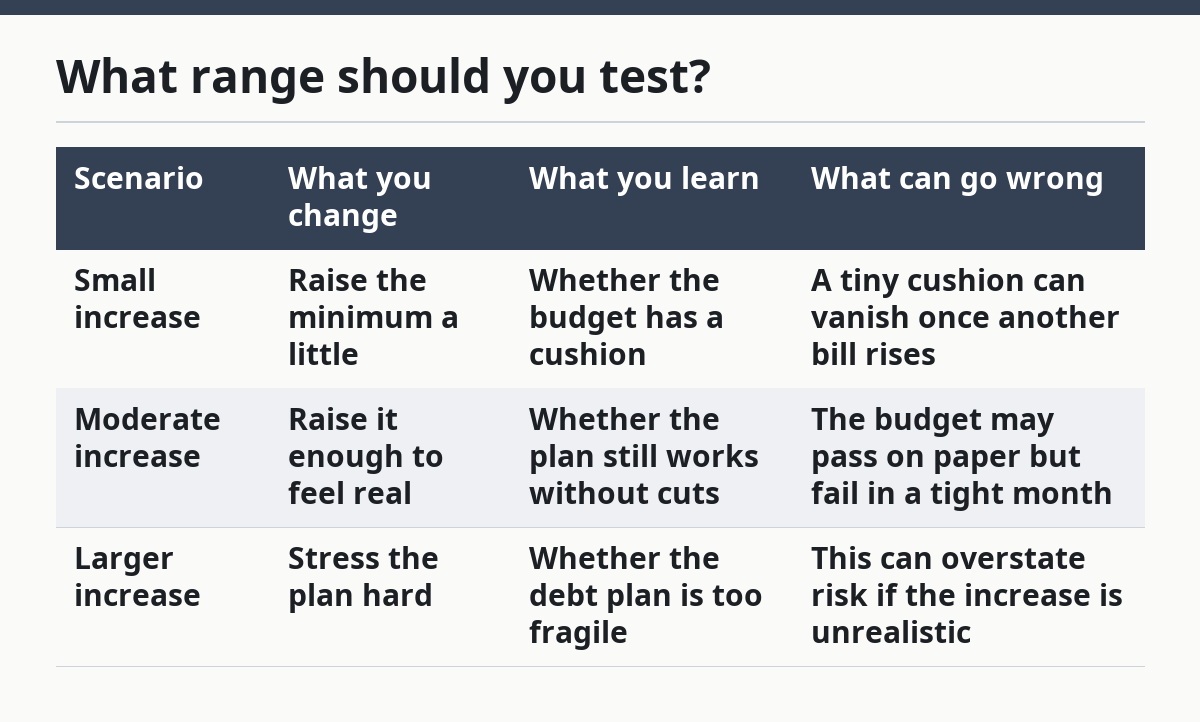
If your calculator lets you set multiple payment paths, keep the rest of the model unchanged while you test each path. That way, the result shows the effect of the minimum payment alone. If you change the interest rate, monthly contribution, and minimum payment at the same time, you will not know which lever caused the problem.
A useful standard is to keep the test simple enough that you can explain it in one sentence: “If the required payment rises, can the budget still cover it?” That sentence should still make sense after you close the calculator.
What should you check in the budget?
You should check whether the increased payment fits inside your leftover monthly cash without pushing out another required bill. The budget line that matters is not the grocery line or the dining-out line by itself; it is the total amount left after fixed costs.
Start with the payment amount you can already afford today. Then compare it with the higher required payment from the scenario. If the gap is small, the model may still work if you have a flexible category to trim. If the gap is large, the plan depends on extra money that may not exist.
Also check timing. A payment increase that lands 1 week before rent is not the same as one that lands right after payday. A budget can look fine on a monthly basis and still feel impossible on a calendar basis. If your cash flow is tight, the date matters as much as the amount.
If you use a spreadsheet, mark the month in which the payment shock would first appear. That helps you see whether the budget fails immediately or only after several months of rising required payments. Immediate failure means the plan has no buffer. Delayed failure means the cushion is shrinking.
When does this method stop working?
This method stops working when the payment shock is not the main problem. In those cases, a simple minimum-payment model can hide a larger issue, and the right next step is to get qualified help for your own situation.
Your minimum payment is already behind: This means the current statement may include fees, late charges, or other changes that make the old number unreliable — use the statement’s current required amount before you model anything else.
Your income is variable by more than one pay cycle: This means a single monthly budget number is too blunt — build the test around low-income months, not just an average month.
Your debt includes more than one payment rule: This means one debt payoff calculator may not capture the full picture — separate the debts or ask an adviser to help you model the mix.
Your budget has no flexible category left: This means even a small increase can break the month — the model should shift from “Can I absorb this?” to “Where can the cash come from?”
Your card terms are changing soon: This means the minimum payment may be revised by the issuer, and the old payment path is stale — use the new terms before you rely on the result.
You are already choosing between essentials and debt payments: This means the problem is not just modeling — speak with a qualified adviser or local debt support service before you assume the calculator can solve it.
These are not edge cases to power through. They are signs that the tool has reached its limit. A calculator is useful when it clarifies a decision; it is not useful when it hides a cash-flow problem behind neat columns.
What mistakes do people make?
People usually make the same 5 mistakes, and each one produces a false sense of security. The fix is simple, but it matters.
First, they keep the minimum payment fixed forever. That makes the plan look safer than it is, because the model never shows a payment shock. The fix is to enter at least 3 versions of the minimum payment.
Second, they use last month’s budget instead of this month’s. That can miss new insurance, transport, or childcare costs. The fix is to rebuild the budget from the most recent statement cycle.
Third, they change too many variables at once. A higher balance, a higher rate, and a higher payment all in one scenario can hide the real cause of failure. The fix is to change only one input at a time, then compare.
Fourth, they treat a small shortfall as harmless. A shortfall of any size is a problem if there is no place to cut it from. The fix is to name the exact line item that will cover it.
Fifth, they stop at the payment amount and ignore the due date. A payment that technically fits the month can still collide with rent or a payroll gap. The fix is to check both amount and timing before you trust the result.
How should you use the result?
You should use the result to set a realistic ceiling for your monthly debt payment, not to predict the future with certainty. If the scenario shows a cushion, that cushion is your margin. If it shows a shortfall, the shortfall is your warning.
A good model tells you whether the budget can absorb a payment increase without guesswork. It also tells you where the weak spot is: not enough cash, too little flexibility, or too much dependence on one unchanged payment amount. That is more useful than a single payoff date.
If you want to go one level deeper, the site’s debt payoff calculators and modeling hub can help you compare this scenario with other debt-planning questions. Use that as the next stop, not this page, when the issue shifts from a minimum payment shock to a broader payoff strategy.
What happens if my minimum payment goes up?
It can cut into the money you planned to use for other bills or debt payments. If the increase is small, the budget may still work with a trim elsewhere. If it is large, the model may show a shortfall that needs a real plan, not wishful thinking.
Can I plan for higher required payments in advance?
Yes, and that is the point of modeling the scenario before it happens. A simple stress test with a few higher payment amounts helps show whether your budget has room. If it does not, the problem is easier to fix before the due date arrives.
How do minimum payment changes affect payoff time?
A higher required payment can change payoff time in either direction depending on how the rest of the budget is set up. If the higher payment means you can still stay current, the debt may move faster. If it crowds out extra payments or creates a missed payment risk, the payoff plan can break down instead.
Key takeaways
- Model the change as a future payment scenario, not as a guess about the exact bill.
- Test more than one payment level so you can see where the budget starts to fail.
- Use the latest statement and the current budget cycle, not old numbers.
- Watch the dollar gap and the due date; both can break a plan.
- If the budget only works when the payment never rises, the plan is too brittle.
Drafted with AI; not yet reviewed by a person.