Last updated: November 19, 2026
Key Takeaways
- Use your latest statement, current minimum payment, current APR, and next reset notice.
- Split the balance by APR period, then recalculate after each change.
- Variable-rate cards can shift payoff timing when APRs, minimums, or fees change.
- Update APR, minimum payment, payment date, and rate-period length, because those assumptions drive the timeline.
Variable APR makes a payoff date move, and the fix is to model rate changes, minimum payment changes, and payment timing instead of treating the debt like a fixed-rate loan. This guide shows how to estimate the new payoff date when the APR can reset. It also shows where the estimate stops being reliable. The topic here is Debt payoff calculator with variable APR: how to estimate changes in your payoff date.
Who this applies to, and what you need before you start
Variable APR changes the payoff math the moment the rate resets, so this method fits people with a variable-rate credit card, a HELOC, or any balance where the issuer can change the APR on a schedule tied to an index. You need your most recent credit card statement, the current minimum payment, the APR now in force, and any notice of the next reset date.
A qualified adviser should be consulted for your own situation, especially if you’re weighing debt options across different accounts or countries.
Picture this: you have a balance, a payment plan, and a rate that won’t sit still. The job is to turn that moving target into a timeline you can check, even if the final date is only a range. That means using the right assumptions, not a fake sense of precision.
The payoff date is a range, not a promise.
- If the APR changes on a known date, the estimate can still be useful.
- If the issuer changes the minimum payment or adds fees, the date shifts.
- If the rate can change monthly with an index, the calculator needs a fresh run after each reset.
How do I estimate payoff when APR changes?
You estimate it by splitting the balance into periods, applying each APR period separately, and then recasting the timeline after each change. In plain terms: calculate the first stretch at the current rate, then re-run the math at the new rate using the remaining balance.
Because the APR can reset, the calculator only works if you feed it the same moving parts the issuer uses. If you freeze the rate, the date can drift badly.
Here’s the catch:
- Write down the current balance, the current APR, and the current minimum payment from the latest statement. Verify that the APR is the purchase APR, not a promo rate. A mismatch here makes the whole schedule wrong.
- Find the rate-change date and the new APR or index formula. Check whether the issuer uses a monthly reset, a quarterly reset, or a date tied to the billing cycle. If you can’t find the reset date, the estimate becomes guesswork.
- Set the payment amount you plan to keep making each month. Verify that it is at least the minimum payment. If it falls below the minimum, the account can go delinquent and the timeline stops being valid.
- Run the first period with the current APR and payment schedule. Verify the calculator shows a payoff date before or after the reset date. If the debt is paid off before the reset, the later rate never matters.
- If the balance remains after the reset, switch the APR to the new rate and keep the same payment amount unless your statement says the minimum changes. Verify the new monthly interest charge is higher or lower than the first period’s charge.
- Repeat this period-by-period until the balance reaches zero. Verify the remaining balance shrinks each month. If it rises, the payment is too low for the rate and fees.
- Record the date from the last period as a payoff range, not a fixed day. Check whether the date lands on a statement close, a due date, or a payment posting date, because those are not always the same.
A simple calculator that only accepts one APR can still help if you break the debt into chunks. Use one run for the current rate, then a second run for the post-reset rate with the remaining balance. This is closer to reality than a single fixed-rate answer.
What changes the payoff date on a variable-rate credit card?
A variable-rate credit card changes the payoff date when the APR, the minimum payment, or the fee pattern changes, and those changes hit interest accrual right away. The balance falls slower when the rate rises, even if your payment stays the same.
Open your statement and the issuer may have tucked a rate notice in a box on page 2. That small box can change the whole timeline. The calculator only stays useful if you update the inputs the same way the issuer updates the account.
Interest accrual is the daily or monthly build-up of interest on the unpaid balance.
- A higher APR sends more of each payment to interest.
- A lower APR speeds up principal reduction.
- A fee added to the balance can extend the payoff date even if the APR stays flat.
- A new minimum payment can shorten the date if it rises, or stretch it out if it falls and you pay only the minimum.
The payment schedule matters too. A payment made a few days before the statement closing date can reduce the average balance more than the same payment made after the cycle closes. That difference is often small on one month, but over 6, 12, or 18 billing cycles it can move the date.
A calculator becomes unreliable when it assumes one flat APR for a year or longer, while the card resets every month or every quarter. It also gets shaky if the issuer uses daily interest and the tool only recalculates monthly. That is not a cosmetic issue. It changes the math.
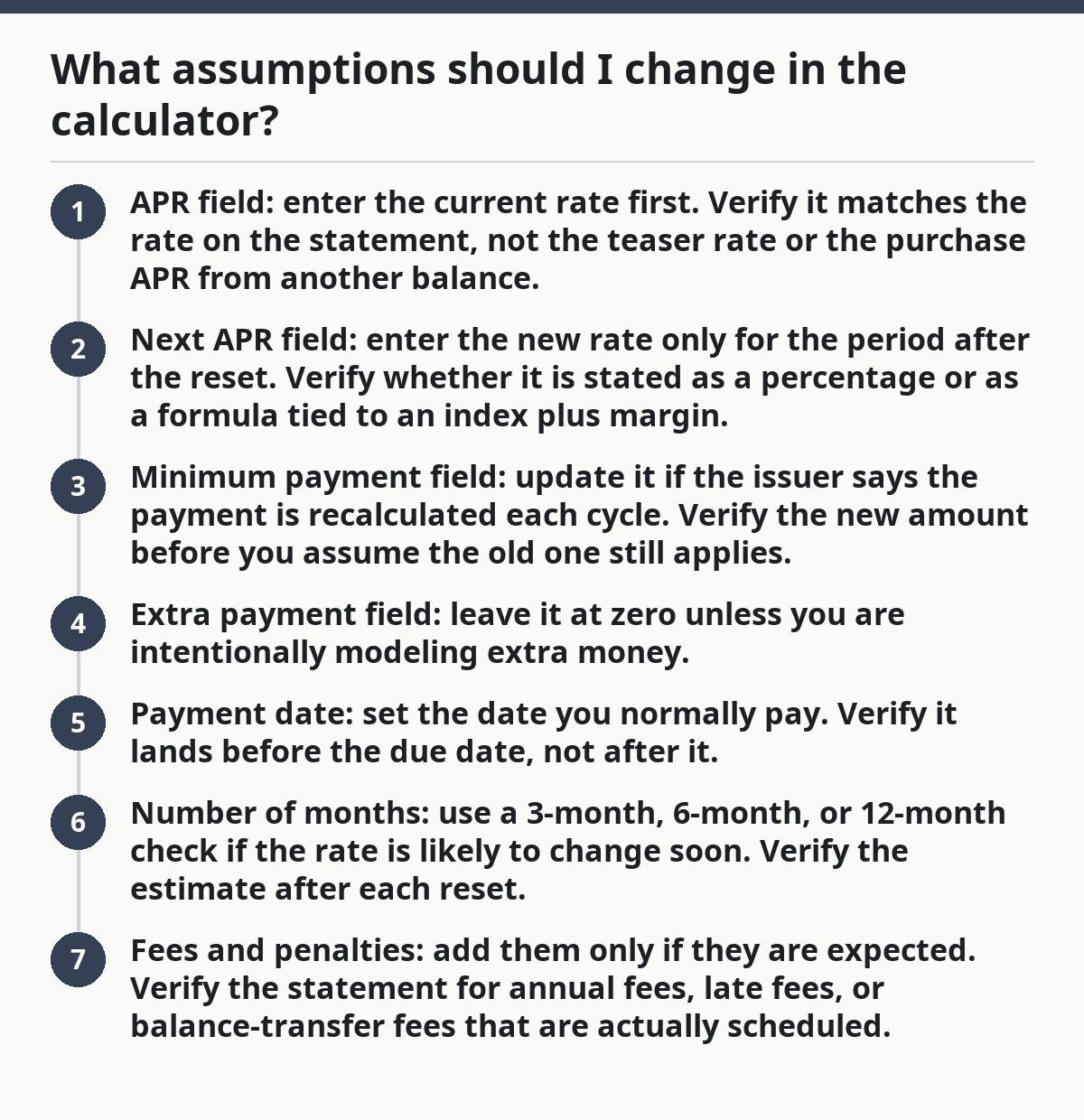
What assumptions should I change in the calculator?
You should change the APR, the minimum payment, the payment date, and the length of each rate period, because those four assumptions control the timeline. If the calculator has a single-rate field, use one run per rate period instead of pretending the rate never moves.
You can still get a useful estimate with a plain spreadsheet. Start with the parts the issuer controls, then match them in the tool. If the tool does not let you change a rate midstream, that is a warning sign.
Here is the process:
- APR field: enter the current rate first. Verify it matches the rate on the statement, not the teaser rate or the purchase APR from another balance.
- Next APR field: enter the new rate only for the period after the reset. Verify whether it is stated as a percentage or as a formula tied to an index plus margin.
- Minimum payment field: update it if the issuer says the payment is recalculated each cycle. Verify the new amount before you assume the old one still applies.
- Extra payment field: leave it at zero unless you are intentionally modeling extra money.
- Payment date: set the date you normally pay. Verify it lands before the due date, not after it.
- Number of months: use a 3-month, 6-month, or 12-month check if the rate is likely to change soon. Verify the estimate after each reset.
- Fees and penalties: add them only if they are expected. Verify the statement for annual fees, late fees, or balance-transfer fees that are actually scheduled.
If the calculator cannot handle a rate reset date, move the debt into segments. Segment one ends on the reset date. Segment two starts with the new APR and the remaining balance. That makes the estimate less elegant, but it is far more honest.
When does a payoff estimate stop being reliable?
A payoff estimate stops being reliable when the account terms change faster than the calculator can update them, or when the balance is large enough that a small rate shift changes the timeline by months. In those cases, use a range and keep rechecking after each statement.
You are trying to forecast a date, but the issuer can move the target with a new notice in the mail. Some situations still work with a calculator. Others don’t, at least not in a clean way.
A rough range can still be better than no plan at all.
The APR resets every billing cycle: The interest rate is changing too often for a one-time estimate to stay accurate — recalculate after each statement, and treat the result as a short-range forecast.
The minimum payment is formula-based: The payment can rise or fall with the balance and fees — use the latest statement each month, or the payoff date will drift.
You have a promotional rate ending soon: The account may jump from a low rate to the standard rate on a fixed date — model the timeline in two parts and do not blend the rates.
The balance is close to the minimum payment: Small rate changes can eat most of the payment — the payoff date can swing sharply, so a monthly check is safer than a long forecast.
The issuer adds fees or penalty APRs: The interest charge may no longer be the only cost — the original schedule can become wrong immediately, and the estimate should be rebuilt from the next statement.
You are behind on payments: Late fees, penalty rates, and missed-payment rules can break the usual amortization pattern — stop relying on a standard calculator and review the account terms on the statement.
If the card has more than one balance type, such as purchases and cash advances at different rates, a single-payoff calculator can mislead you. Separate the balances and run each one on its own schedule. Mixed-rate debt does not behave like one neat loan.
The mistakes that distort a variable-APR payoff date
A payoff date gets distorted most often by using the wrong rate, the wrong payment amount, or the wrong timing, and each mistake can push the date out by one or more billing cycles. The fix is usually simple, but it has to be exact.
You want one answer, but the account gives you three moving parts. The mistake is usually not the calculator itself. It is the input that was left on autopilot.
Here are the errors that matter most:
- Using last month’s APR after a reset: The schedule looks too optimistic. Use the APR shown on the newest statement, not an old screenshot.
- Ignoring a new minimum payment: The tool may show a payoff date you can’t actually meet. Replace the old minimum with the current one before you trust the result.
- Treating a reset date as a due date: The rate can change before the payment is due, or after it, depending on the issuer. Check the statement’s language.
- Forgetting daily interest accrual: Some cards charge interest based on daily balances, so one monthly average hides the real cost. Use a calculator that can handle daily accrual if possible.
- Assuming fees don’t matter: Annual fees, late fees, and cash-advance fees can extend the timeline. Add them when the issuer says they will apply.
- Using one long forecast for a changing account: A 12-month estimate may look neat, but it can be wrong after the first reset. Re-run it after each statement if the APR is variable.
If you want a cleaner estimate, collect the statement, the notice of rate change, and the due date before you open the calculator. Five minutes of prep can save you from a false payoff date. That is not a small thing when you are trying to plan cash flow.
When the standard approach does not apply
The standard approach does not apply when the debt has multiple rates, unclear reset rules, or a penalty structure that changes the account midstream. In those cases, the calculator is only a rough guide, not a planning tool you can lean on.
You’re dealing with a card that has a balance transfer, a purchase balance, and a cash advance balance all at once. The issuer may apply different APRs, different fees, and different payoff rules to each piece. One timeline won’t capture that cleanly.
This is where the simple model breaks:
- Intro APR ending soon: The rate jump can be sharp, so use separate periods before and after the end date.
- Multiple APRs on one statement: Split each balance type and calculate each one alone.
- Penalty APR after a late payment: Replace the old rate with the penalty rate as soon as it applies.
- Index-linked variable APR: If the rate is tied to an index, model the change only when the issuer publishes the new rate.
- Interest-free grace period ending: Once grace ends, interest can start accruing on new purchases right away, which changes the schedule.
The estimate also gets shaky if you do not know whether the minimum payment includes interest, fees, or a flat percentage of the balance. Many issuers have their own formula. If the statement does not make it clear, the safest move is to treat the calculator as directional only. For context, consumer-credit rules and disclosures are addressed in the CFPB’s credit card resources, and rate reset terms are governed by the card agreement and account notices. See the CFPB’s credit card overview at https://www.consumerfinance.gov/consumer-tools/credit-cards/ and Regulation Z commentary at https://www.consumerfinance.gov/rules-policy/regulations/1026/6/.
How far off can the date be, and how do I recast it?
The date can be off by a little or by a lot, and the difference depends on how often the APR changes and how much balance is left at each reset. The smaller the remaining balance, the less a rate change can move the finish line.
You got a payoff date last month, and now the statement shows a new APR. You do not need to throw the old estimate away. You need to recast it from the current balance and the current rate.
That is the right way to update the timeline:
- Take the remaining balance from the latest statement.
- Replace the old APR with the new APR now in force.
- Keep the same payment amount unless the minimum changed.
- Recompute the payoff date from this new starting point.
- Compare the new date with the old one as a range, not a verdict.
A useful result looks like this: the payoff date moves a little after a small APR increase, or more than a little after a larger jump when the balance is still high.
Drafted with AI; not yet reviewed by a person.